SketchUp Screenshot to Photorealistic Render in 20 Seconds
No V-Ray license. No render farm. No waiting overnight. Upload a screenshot and get a publication-quality render.
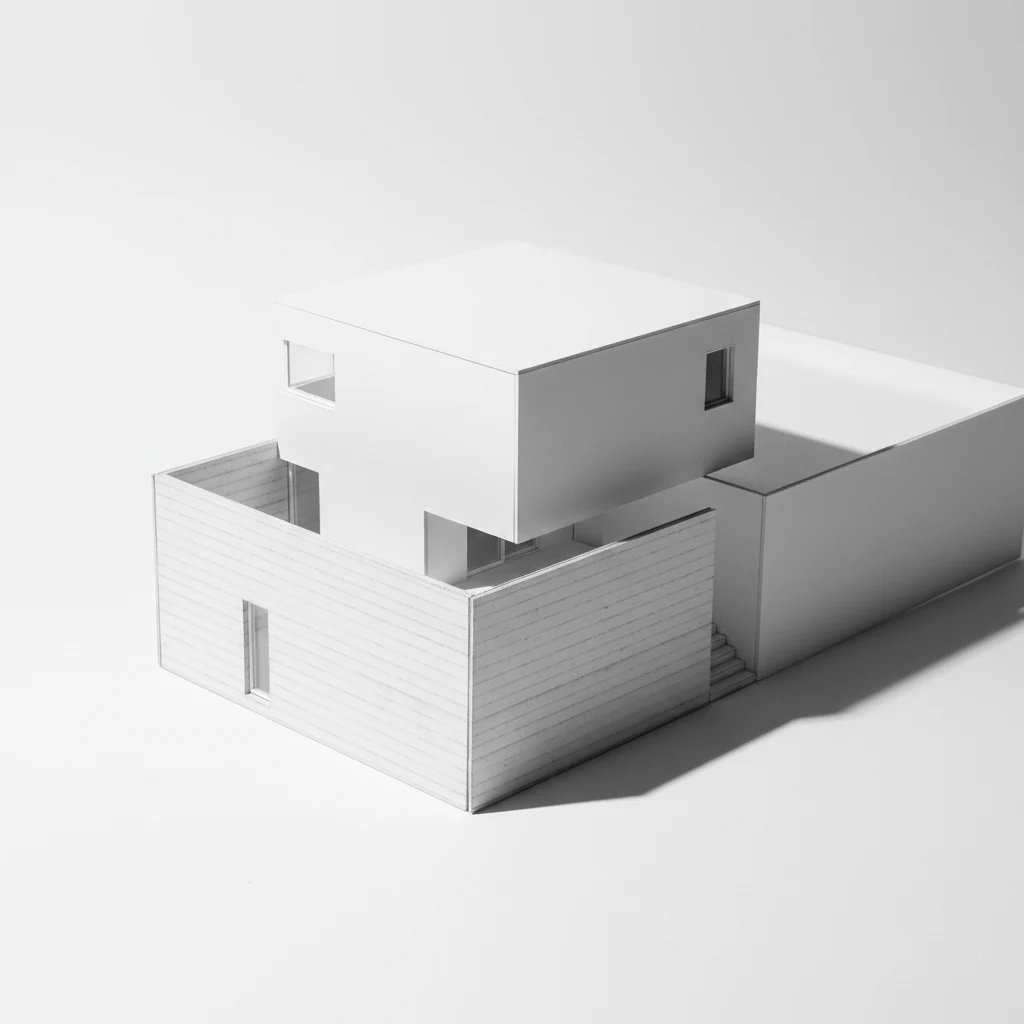
Every architect knows the gap. You have a clean SketchUp model. The client is expecting a presentation image. Traditional render: set up V-Ray, assign materials, wait 40 minutes, realise the lighting is wrong, wait another 40 minutes.
There's a faster path.
What Gaia Render does
Upload any SketchUp viewport screenshot (or Rhino, Revit, hand sketch — any linework). Pick a render style from eight architectural presets: Photorealistic, Brutalist, Scandinavian, Moody Industrial, and more. Set your camera preset: eye-level, aerial massing, interior key view.
The render processes in under 20 seconds. The output is publication-quality — ready for a client deck or competition board.
No V-Ray. No Maxwell. No overnight render queue. No plugin installation.
What it works with
- SketchUp screenshots (any version, any viewport style)
- Rhino viewport exports
- Revit massing screenshots
- AutoCAD section/elevation exports
- Hand sketches photographed on paper
- Concept collages
Who it's for
Architecture students: portfolio renders without a render farm subscription. Working architects: client presentation concepts in minutes, not hours. Sole practitioners: stop paying for software you use once a month.
Architecture students: email daan@gaia.computer for student access. Because render farms shouldn't be a barrier to good ideas.
Try your first render free — 5 credits → gaia.computer/render