Sketch to Render
Drawing to photorealistic.
In seconds.
Draw it on paper. Photograph it. Upload it here. No 3D software, no rendering farm — photorealistic architectural output in 20 seconds.
20savg. render time
8render styles
6view types
∞iterations with Pro
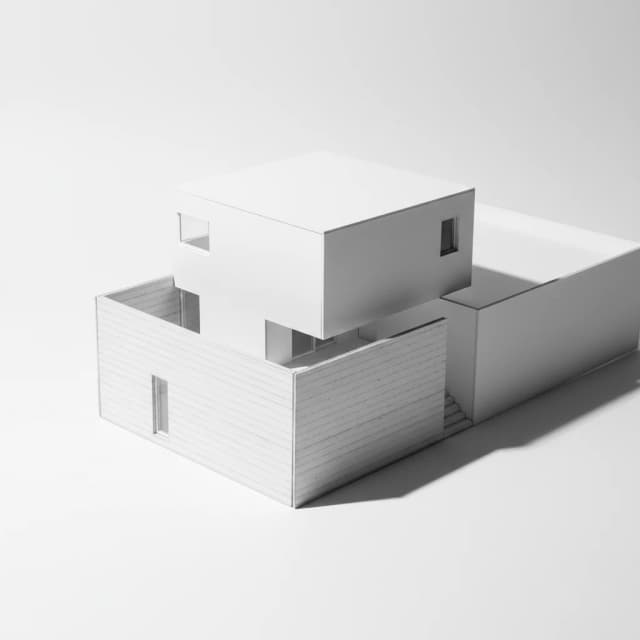
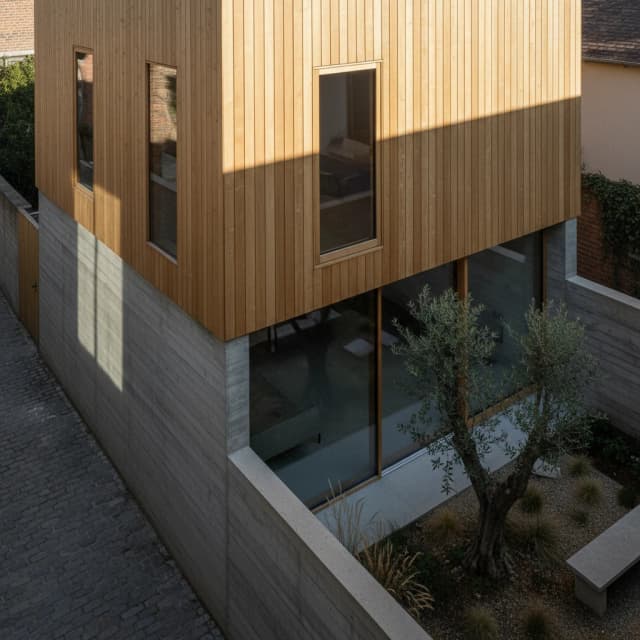
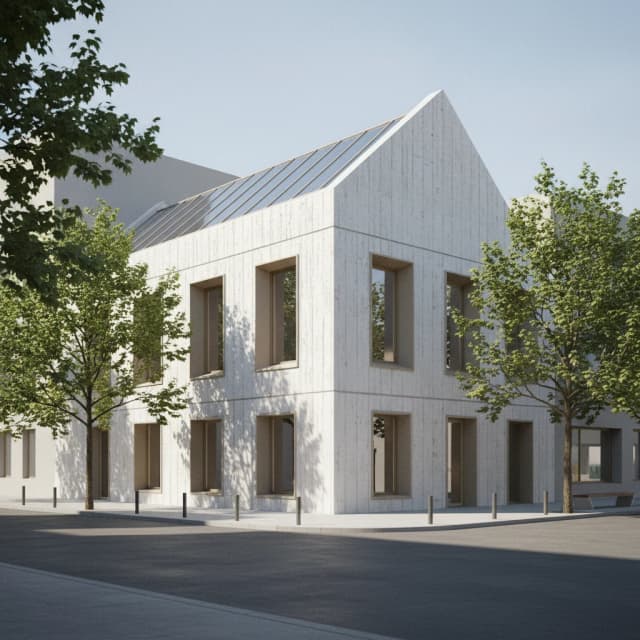
Recent renders
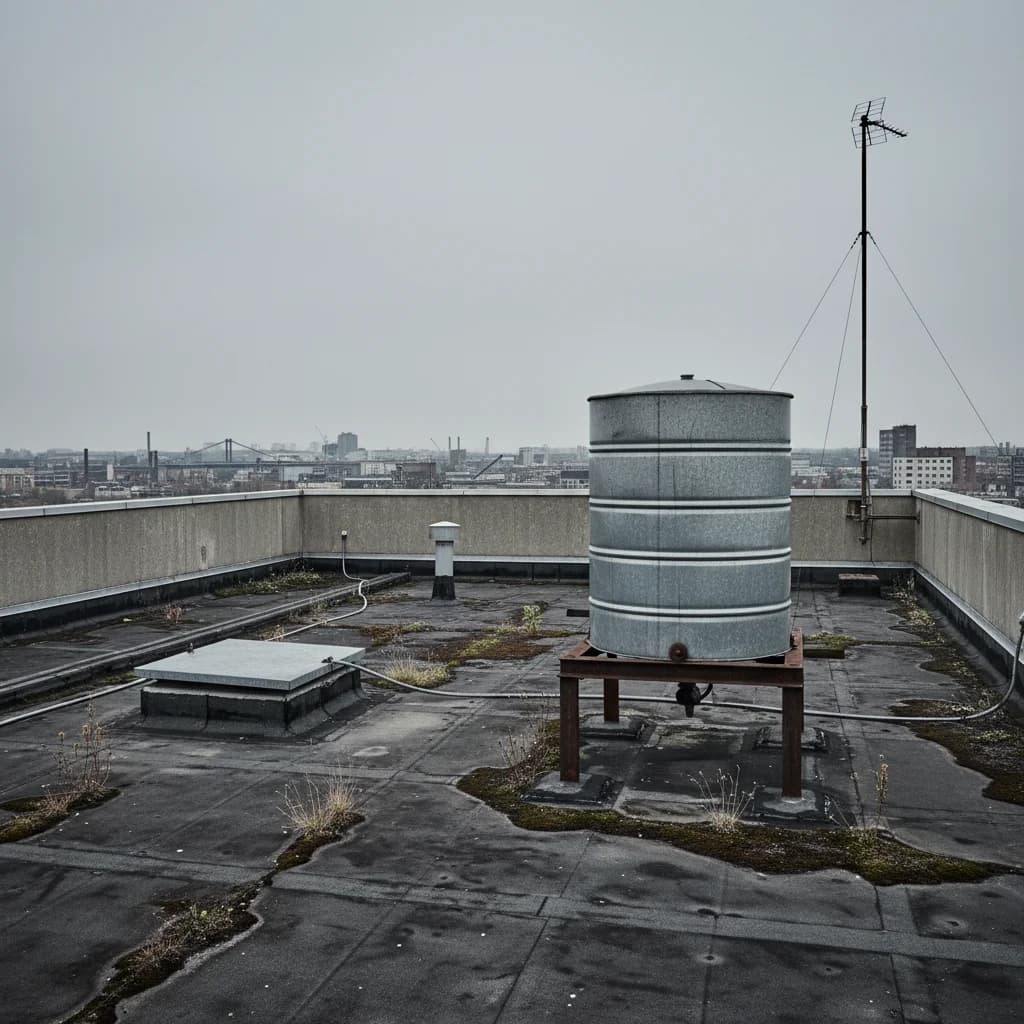
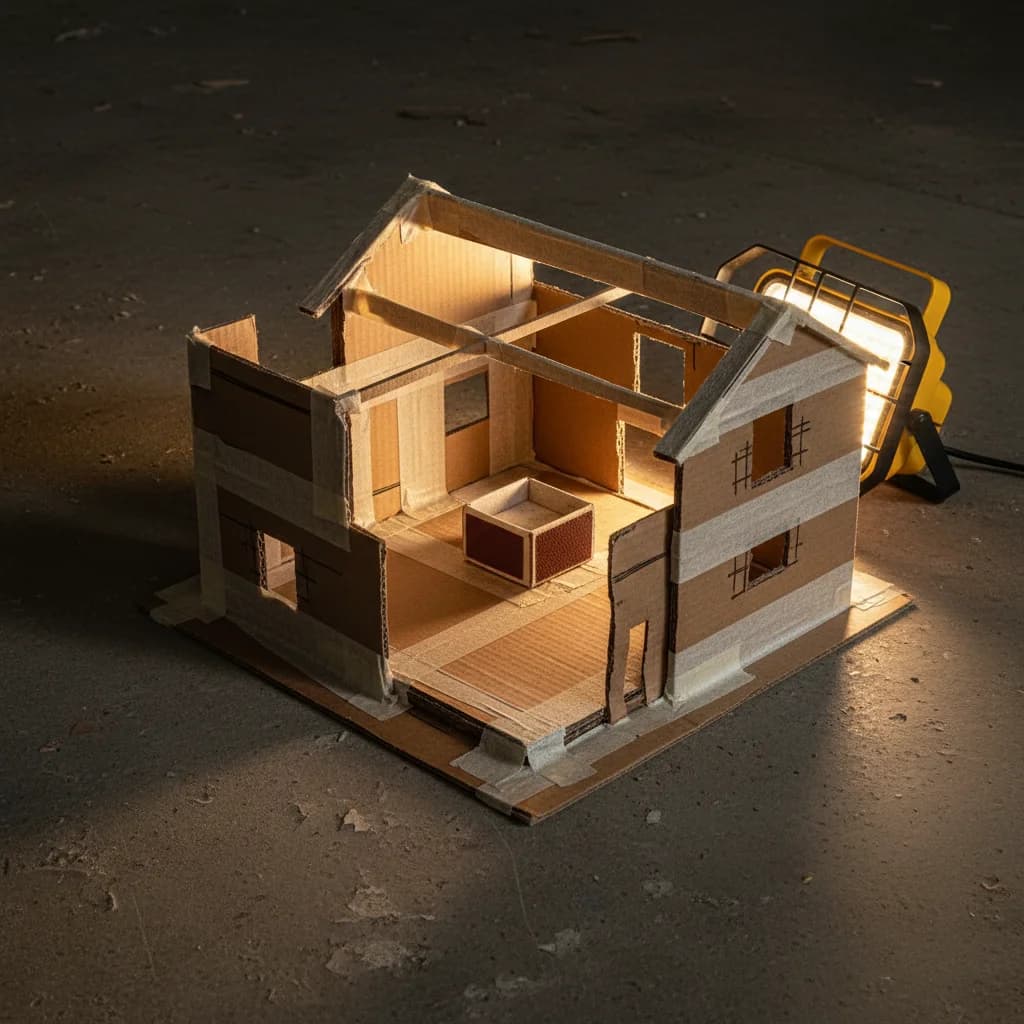
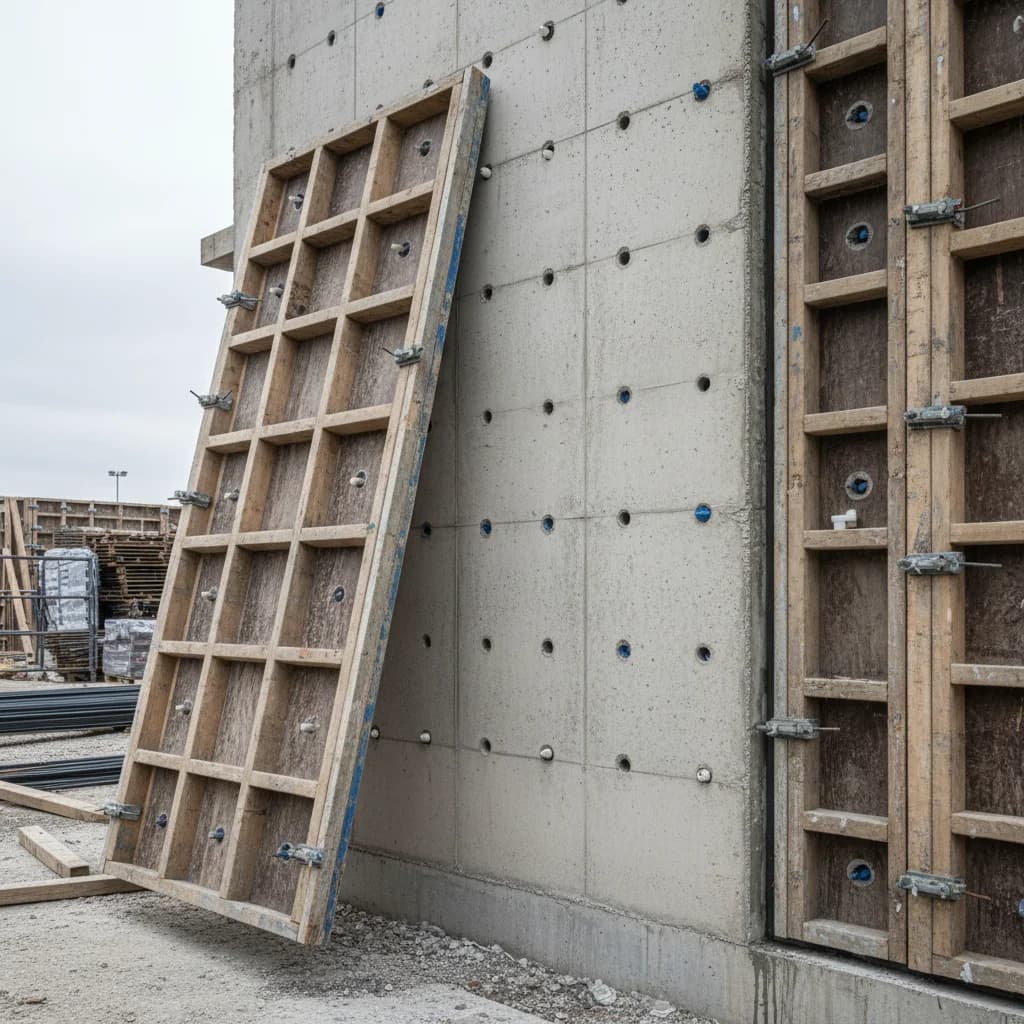
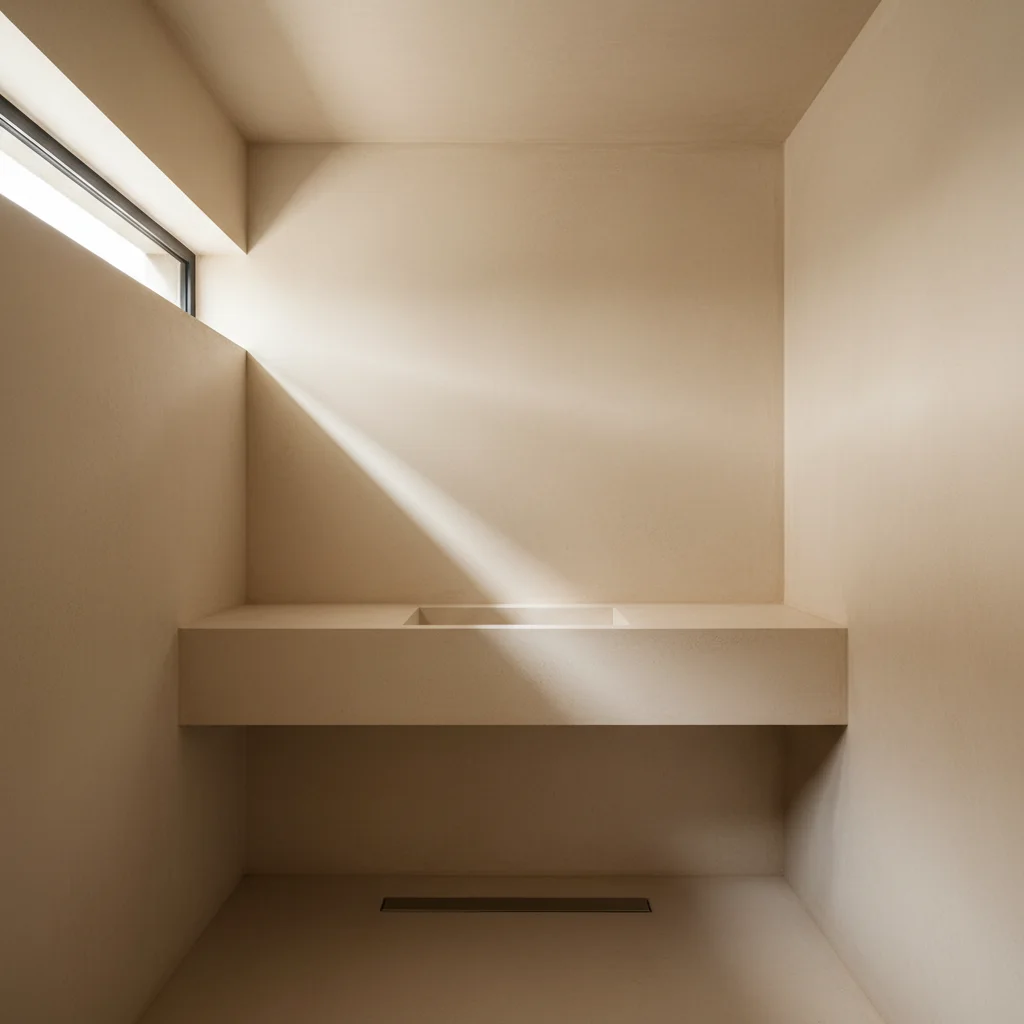
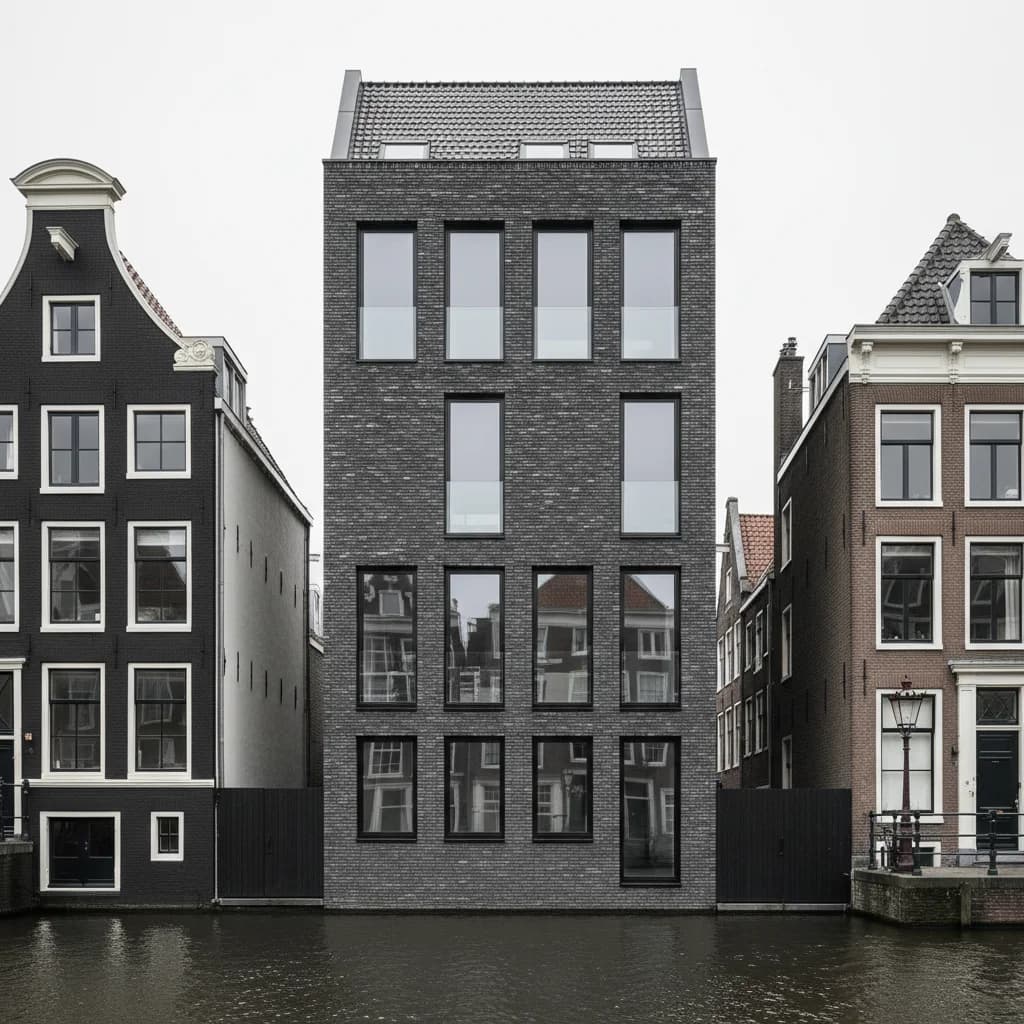
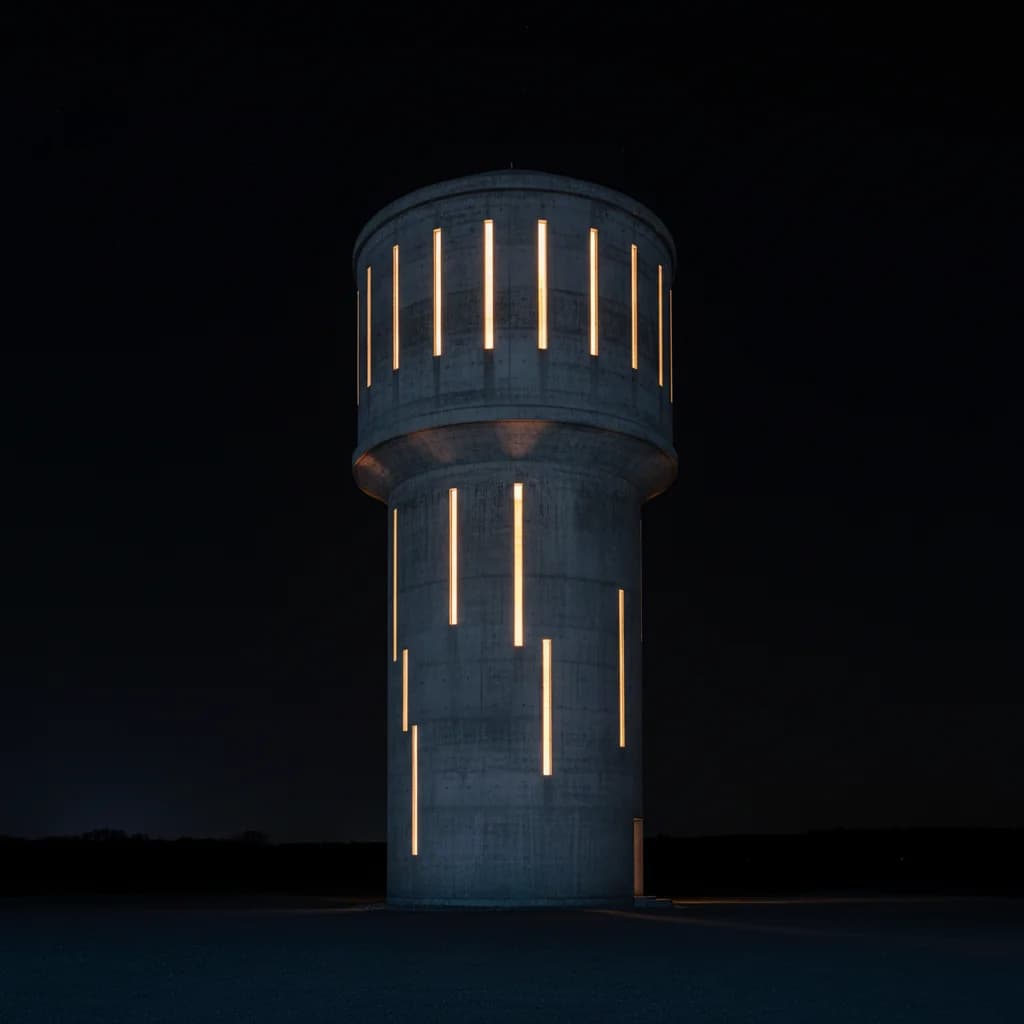
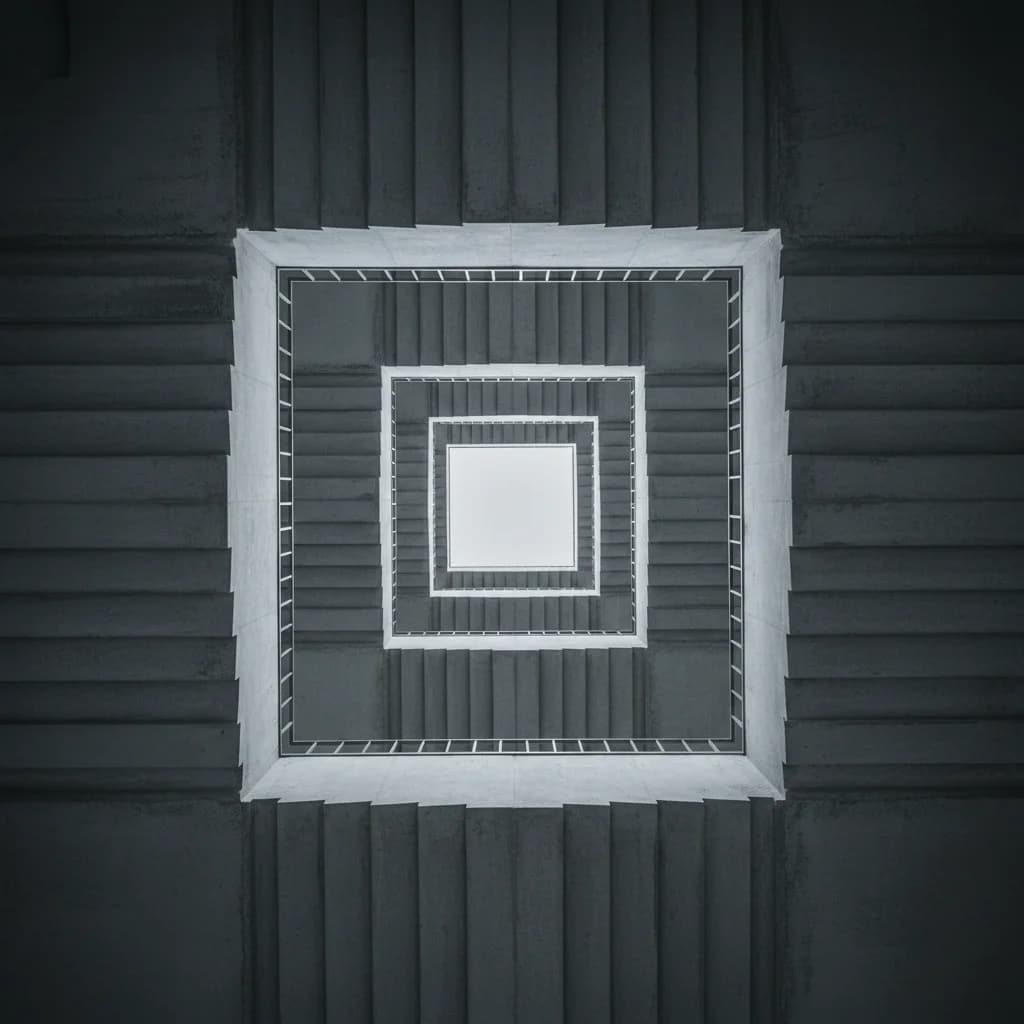
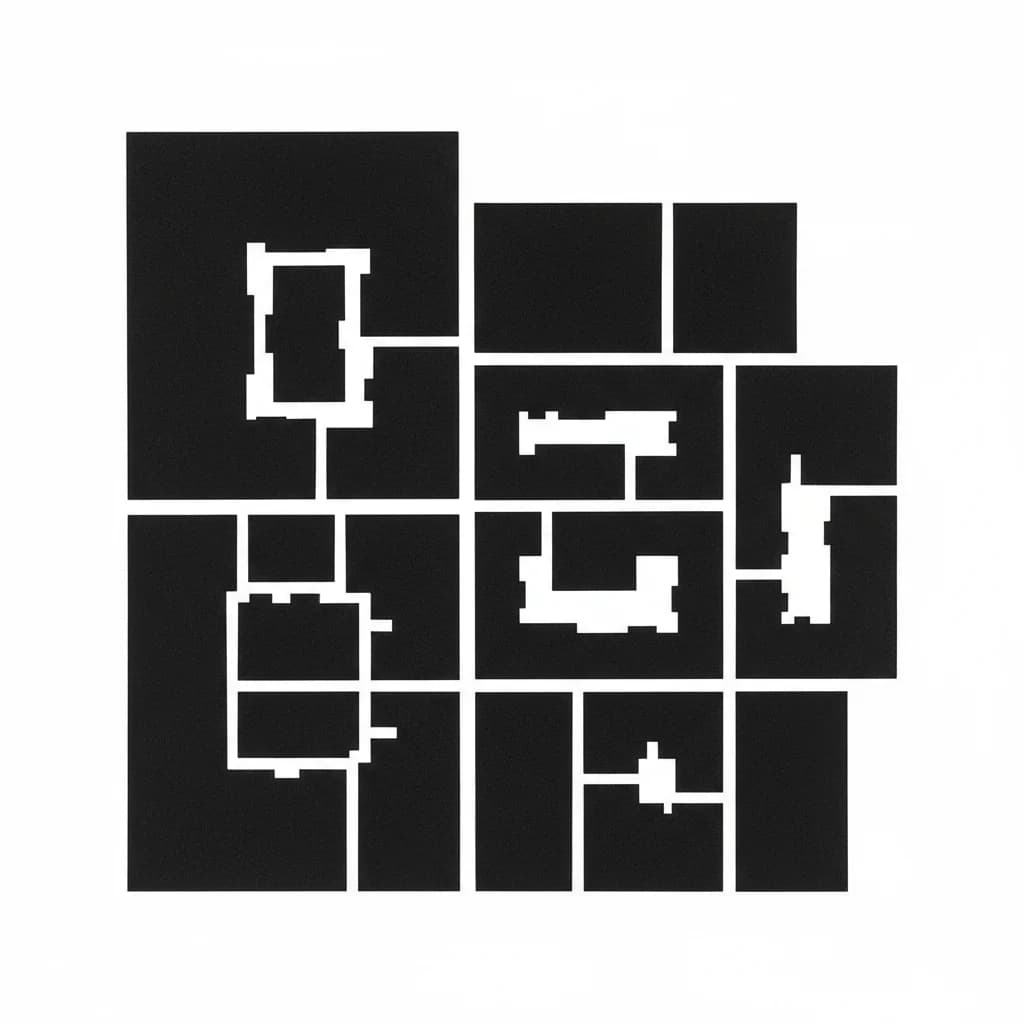
Drop your sketch or model screenshot
JPG, PNG, WEBP · SketchUp, Rhino, hand sketches
How it works
From model to render
in 20 seconds.
01
Upload your input
SketchUp screenshot, Rhino viewport, a hand sketch, or a site photo. Any image works.
02
Pick style and view
Choose from 8 architectural render styles — from Ando Light to Shulman Dusk. Select your view type.
03
Download or continue
A publication-quality render in ~20 seconds. Download, share with clients, or continue refining in Studio.
For architects and design students.
Architecture students
Portfolio-ready renders from any SketchUp model. No V-Ray license. No render farm.
Freelance architects
Present clients multiple concepts in minutes. Iterate in seconds. Bill more time for actual design.
Interior designers
Convert hand sketches into photorealistic presentations before committing to 3D modeling.
Urban planners
Visualize proposed massing and site interventions from basic diagrams and site photos.
Frequently asked questions
What inputs does Sketch to Render accept?
Anything visual — SketchUp screenshots, Rhino viewport captures, Revit exports, hand sketches, site photos, or even napkin drawings. The AI analyzes your input and generates a photorealistic architectural render in the style you choose.
How fast is AI architectural rendering?
About 20 seconds per render. Upload your input, pick a style and view type, and get a publication-quality architectural image. That's roughly 300× faster than a traditional rendering pipeline.
What render styles are available?
8 curated architectural styles: Ando Light (minimal concrete), Zumthor Material (textured realism), Shulman Dusk (dramatic golden hour), and 5 more. Each style controls lighting, material rendering, atmosphere, and camera behavior for architecturally accurate results.
Is Sketch to Render free to try?
Yes. Every account gets 5 free renders on signup — no credit card required. One render uses 1 credit. That gives you enough to test multiple styles across different inputs before deciding on a plan.
How does this compare to V-Ray or Enscape?
Traditional renderers like V-Ray require full 3D models, material libraries, lighting setup, and hours of render time. Sketch to Render works from any 2D input — a sketch, a screenshot, a photo. You go from concept to photorealistic image in seconds, not days. It's not a replacement for final construction docs, but it changes how fast you can explore and present ideas.
Can architecture students use this?
Yes — Sketch to Render is heavily used by architecture students. Get portfolio-ready renders from SketchUp models without needing a V-Ray license or render farm. Educational pricing is available — email daan@gaia.computer with your university affiliation.
Pricing
5 free renders.
Then pay as you go.
One credit = one render. Credits never expire. No subscriptions required.
Free
€0
- 5 renders on signup
- 8 architectural styles
- 6 view types
- Download-ready images
Most popular
Project Pack
€29one-time
- 500 one-time renders
- All styles and views
- Commercial license
- Use anytime, no expiry
Best value
Gaia Pro
€24/mo
- 2,000 renders every month
- Priority generation queue
- Edit — brush-mask refinement
- Full studio + research tools
- Commercial license
Architectural Render · Gaia
Your first render
is free.
5 credits on signup. No credit card. Sketch to photorealistic in 20 seconds.