
Best AI Rendering Software for Architects in 2026
Ten options. Different strengths. An honest guide to what actually serves architectural practice right now.
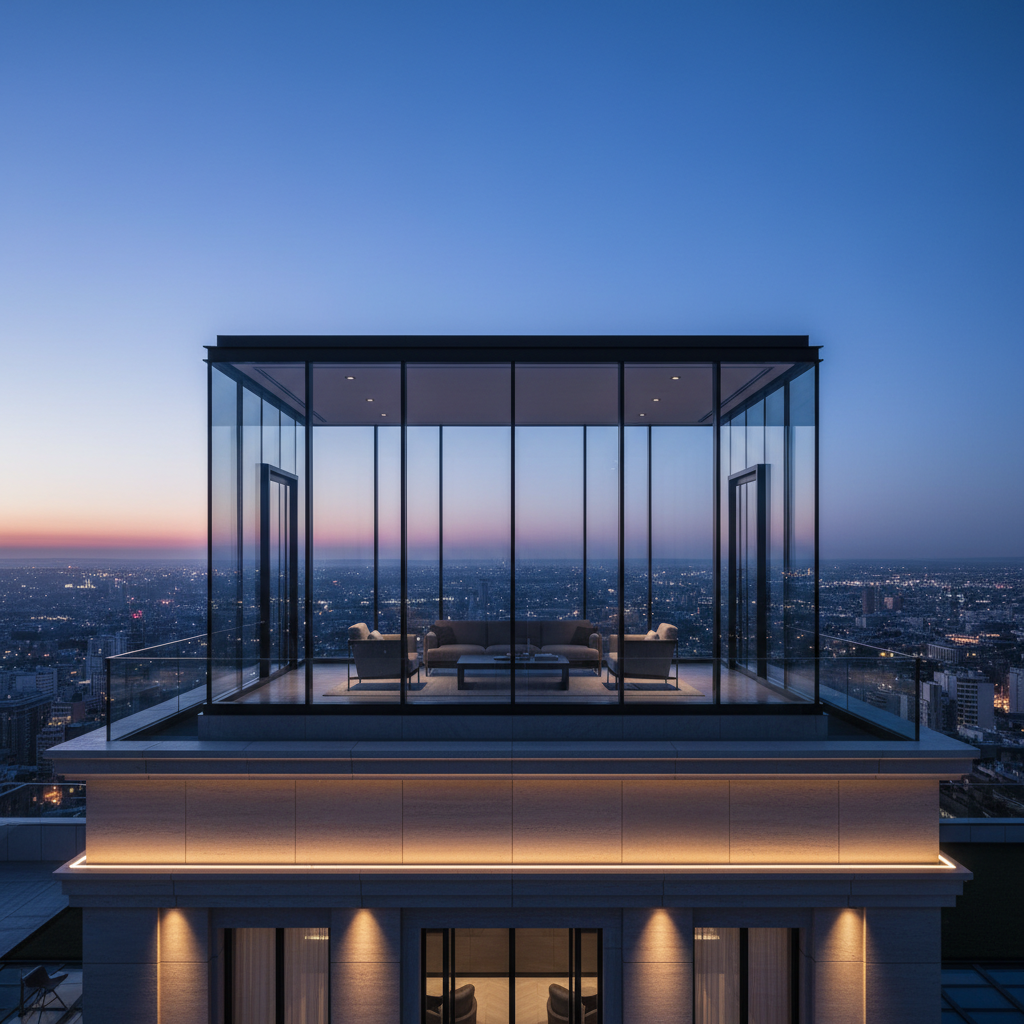
Two years ago, AI rendering for architecture meant typing a prompt into Midjourney and hoping. Today, there are purpose-built studios, plugin integrations, and full environments designed specifically for architectural workflows. The landscape has matured, and it is worth mapping.
Here are ten options worth knowing in 2026, what each does well, and where each falls short. We have tried to be genuinely useful here, not just promote our own product.
1. Gaia (gaia.computer)
Full-stack AI studio: rendering from sketches and 3D viewports, virtual staging, material research, and a taste-learning system that improves with use. Takes SketchUp, Rhino, Revit screenshots, and hand sketches as input. Renders in under 20 seconds. The differentiator is compound learning - Gaia builds a profile of your design preferences and gets more accurate over time.
- Strengths: Sketch-to-render, style consistency, taste memory, staging + render in one studio.
- Best for: Architects who want a single workspace for the concept-to-presentation pipeline.
- Pricing: Free tier (5 credits), Pro at EUR 24/month.
- Limitation: Not a BIM application - designed for concept phase, not documentation.
2. mnml.ai
Clean, focused AI renderer targeting architects and interior designers. Strong minimalist aesthetic output - the name is accurate. Fast processing, decent style range, straightforward interface.
- Strengths: Clean UI, fast output, good for modern/minimal styles.
- Best for: Designers with a contemporary aesthetic who need quick concept renders.
- Pricing: From $29/month.
- Limitation: Narrower style range than broader options.
3. ArchiVinci
AI-powered rendering engine focused on architectural visualization. Supports floor plan to 3D conversion and exterior rendering. Growing quickly in the Asian market with strong language support.
- Strengths: Floor plan interpretation, fast exterior renders.
- Best for: Quick concept visualization from plan drawings.
- Pricing: From $19/month.
- Limitation: Interior rendering quality lags behind dedicated studios.
4. Archsynth
Real-time AI rendering engine that integrates with SketchUp and Rhino via plugin. The real-time aspect is the hook: see AI-enhanced renders as you model, not as a separate export step.
- Strengths: Real-time feedback loop, plugin integration.
- Best for: Designers who want AI rendering inside their modelling workflow.
- Pricing: From $39/month.
- Limitation: Plugin dependency means less flexibility across workflows.
5. Veras (by EvolveLAB / Chaos)
Born from EvolveLAB and now backed by Chaos (the V-Ray company), Veras bridges the gap between traditional and AI rendering. Revit and SketchUp plugins with AI-powered visualization. The Chaos backing gives it credibility in the professional rendering ecosystem.
- Strengths: Revit integration, Chaos ecosystem, professional pedigree.
- Best for: Firms already in the Chaos/V-Ray ecosystem wanting AI augmentation.
- Pricing: From $39/month.
- Limitation: Tied to Chaos ecosystem; less useful as a standalone studio.
6. MyArchitectAI
Consumer-friendly AI renderer that has found a niche with small practices and freelance architects. Upload a photo or sketch, pick a style, get a render. Simple, fast, affordable.
- Strengths: Low learning curve, affordable, quick results.
- Best for: Freelancers and small practices needing fast concept images.
- Pricing: From $19/month.
- Limitation: Output quality ceiling is lower than professional-grade studios.
7. PromeAI
Broad AI creative suite with a strong architecture vertical. Sketch rendering, photo-to-render, and a growing library of architectural styles. Generous free tier and competitive pricing make it accessible.
- Strengths: Generous free tier, wide style range, sketch-to-render.
- Best for: Students and early-career architects exploring AI rendering.
- Pricing: Free tier available, Pro from $19/month.
- Limitation: Jack of all trades - architecture features are not as deep as dedicated studios.
8. Midjourney
The general-purpose image generator that architects adopted first. Still unmatched for pure creative exploration and mood board generation. Text-prompt only, no geometry input, no camera lock. But the raw image quality is exceptional.
- Strengths: Image quality, creative range, massive community.
- Best for: Early ideation, mood boards, competition imagery.
- Pricing: From $10/month.
- Limitation: No architectural input (sketches, models), no camera control, no project consistency.
9. Enscape (AI features)
The real-time renderer architects already know, now adding AI-powered features. Material suggestions, lighting optimization, and AI-enhanced output are rolling into the existing Enscape workflow. Not a new entry - an upgrade to a proven one.
- Strengths: Deep BIM integration, established workflow, real-time.
- Best for: Firms already using Enscape who want AI enhancement, not replacement.
- Pricing: From €58/month.
- Limitation: AI features are incremental, not transformative. Still requires a full 3D model.
10. Lumion (AI features)
Like Enscape, Lumion is adding AI capabilities to its established rendering environment. AI-powered scene population, material application, and post-processing. The strength is the existing asset library: thousands of trees, people, furniture, now with AI-assisted placement.
- Strengths: Massive asset library, established user base, AI-assisted scene building.
- Best for: Firms producing high-volume architectural visualizations with detailed scenes.
- Pricing: From €499/year.
- Limitation: Still requires a 3D model. Heavy software. Not a concept-phase studio.
The honest summary
If you need a full BIM-integrated renderer for documentation and final presentation, V-Ray or Enscape is still the standard. AI has not replaced that workflow, and should not try to.
If you need concept-phase speed - sketch to render, client-ready images from a 10-minute SketchUp model, rapid iteration before you have committed to a direction - that is where AI rendering has made the real difference. The options above range from general-purpose (Midjourney) to architecture-specific (Gaia, Veras, Archsynth), and the right choice depends on where you need the speed.
Our bias is obvious: we built Gaia. But we built it because nothing else combined rendering, staging, material research, and style learning in a single environment. If that matters to your workflow, try it free at gaia.computer/studio.