
How to Virtually Stage an Empty Room with AI (Step-by-Step)
From empty room to staged listing in under 2 minutes. No staging company. No photographer. No wait.
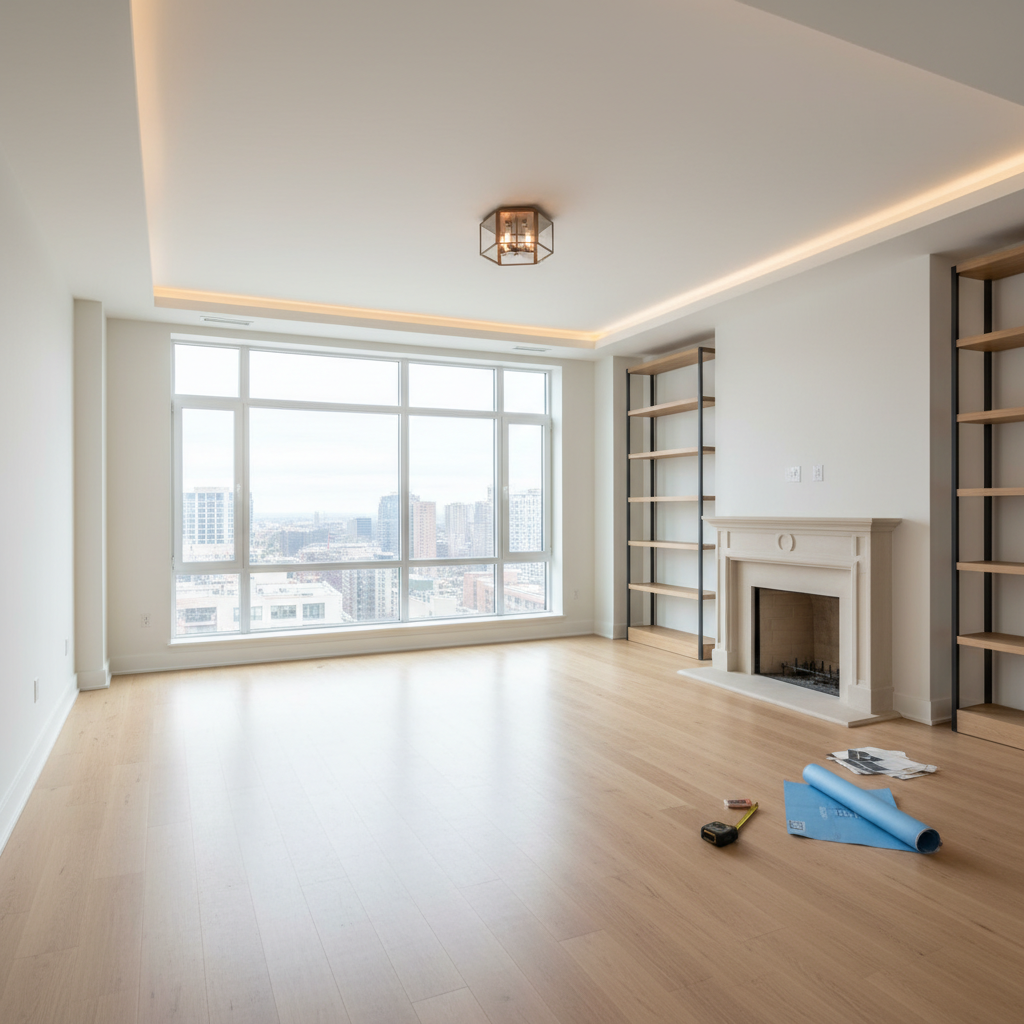
Virtually staging an empty room with AI takes under 2 minutes. Here's how:
Step 1: Photograph the empty room
Use natural light if possible. Shoot from a corner at standing height. The AI works from the photo, so a clear, well-lit image produces the best result. Phone photos work fine.
Step 2: Go to Gaia Stage
Visit gaia.computer/stage. Sign up free with Google — no credit card. You'll get 5 credits to start.
Step 3: Upload your room photo
Drag and drop or click to upload. Supported formats: JPG, PNG, WEBP.
Step 4: Pick your staging style
Choose from 20+ curated styles: Scandinavian, Modern Luxury, Japandi, Coastal, Dark Academia, Biophilic, and more. For real estate listings, Modern Luxury or Warm Contemporary tend to photograph best.
Step 5: Generate
Click Generate. Processing takes 15–20 seconds. You'll get 4 staged variations in your chosen style.
Step 6: Download and iterate
Download the staged image directly. Not right? Adjust the style or regenerate — each variation is one credit.
Tips for better results
- Shoot at 90° angles (straight on, not diagonal) for cleaner furniture placement
- Clear the room of any items you don't want the AI to work around
- For listing photos, generate 2–3 style variations and A/B test in your listing
Start staging at gaia.computer/stage — 5 free credits, no card →